
Download Web VPN – Free Secure Browser with Built‑in Proxy
Overview – What Is Web VPN and Who Is It For?
Web VPN is a free‑to‑download web browser created by the security‑focused company Roob. Unlike a traditional browser that simply fetches web pages, Web VPN bundles a lightweight proxy server directly into the browsing engine. The core promise is simple: hide your real IP address, protect your data from prying eyes, and give you the ability to unblock geo‑restricted sites without installing a separate VPN client.
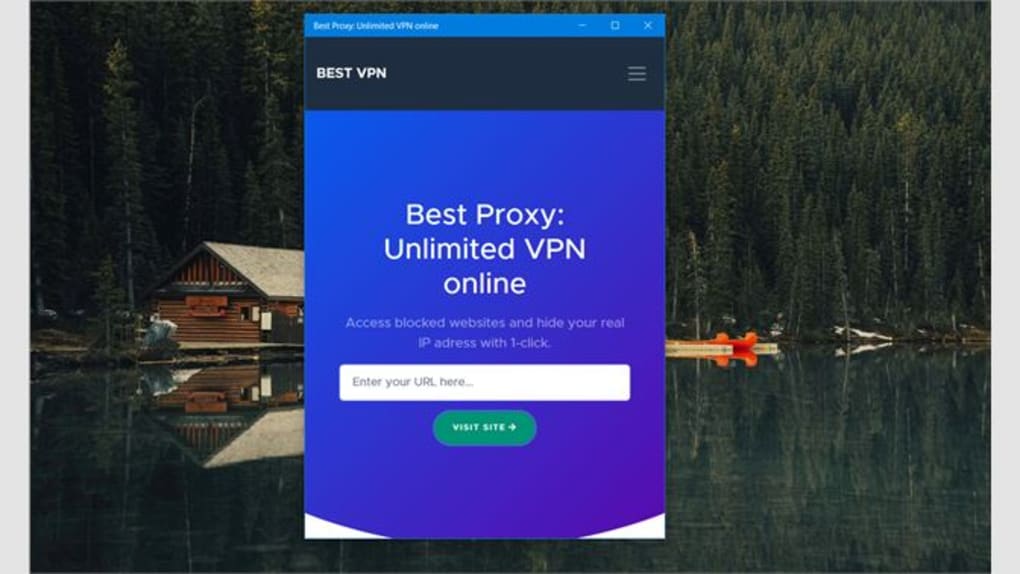
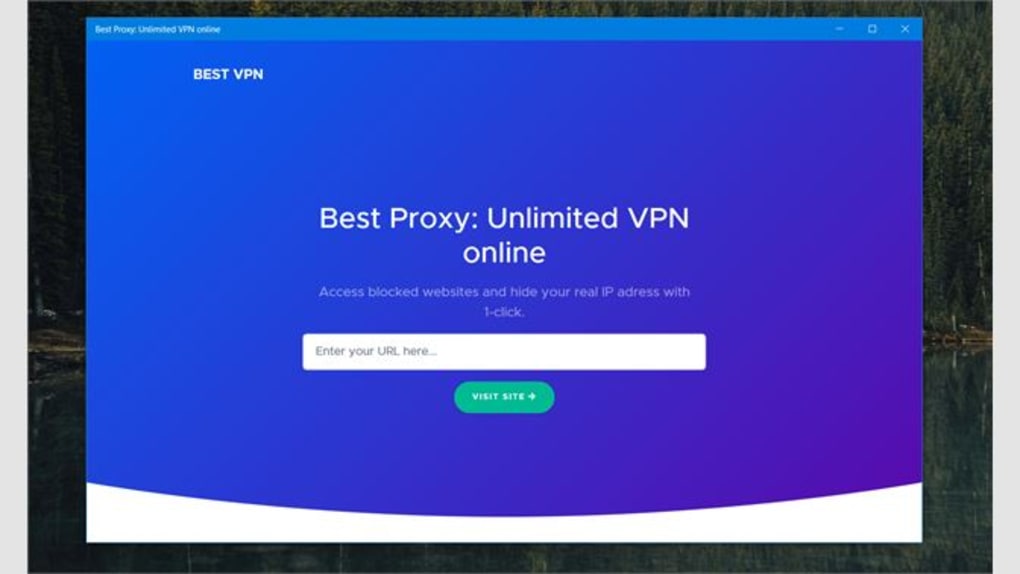
In practice the tool behaves like a hybrid between a regular browser and a basic VPN gateway. When you launch the app you are greeted with a clean, single‑field search bar that instantly routes your request through Roob’s proxy. The interface is intentionally minimal to keep the learning curve low for users who just want a “one‑click” privacy boost while they surf the web on a public Wi‑Fi hotspot, a coffee shop, or any unsecured network.
The free version of Web VPN limits you to unblocking a handful of popular sites and does not provide advanced features such as selectable server locations, unlimited bandwidth, or streaming‑optimised tunnels. Those capabilities are tucked behind a subscription to the PureVPN service, which Roob markets from within the app. Despite the modest free offering, many users are attracted by the promise of “no‑install, no‑setup” privacy: you simply download the browser, start it, and you are already browsing through a proxy.
This can be especially useful for people who are uncomfortable configuring system‑wide VPNs or who need a quick way to hide their IP address while checking a single website. However, the product has drawn criticism for a few key gaps. The built‑in proxy does not encrypt traffic end‑to‑end, which means that sophisticated attackers could still intercept data on the network.
Moreover, the browser displays your current public IP address on a small overlay, which directly contradicts the claim of hiding your IP. Finally, the “Activate VPN” button redirects users to a third‑party NordVPN landing page rather than enabling any additional protection inside the app itself. All these quirks mean that while Web VPN can serve as a convenient, free browsing tool, it should not be relied upon as a full‑scale privacy solution for sensitive activities such as online banking or confidential work communications.
Key Features – What Does Web VPN Actually Offer?
- Built‑in Proxy Server: Every request you make is automatically routed through Roob’s proxy, masking your device’s IP address from the target website.
- One‑Click Site Unblocking: The free tier allows you to bypass simple geo‑restrictions on popular news and social‑media sites.
- Minimalist Interface: A single search bar and a “Visit Site” button keep the experience uncluttered, ideal for users who dislike feature‑heavy browsers.
- Cross‑Platform Availability: Native builds for Windows, macOS, Android, and iOS ensure you can use the same tool on desktop and mobile.
- Integrated IP Display: A small overlay shows your current public IP address, which can be useful for verification but also reveals your location.
- Seamless Upgrade Path: In‑app prompts guide you to PureVPN, Roob’s paid VPN service, for unlimited bandwidth, multiple server locations, and streaming support.
- Free Download & Installation: No registration or credit‑card information is required to start using the browser.
While the feature set reads like a solid starter kit for casual privacy needs, it is important to weigh those capabilities against the limitations. The built‑in proxy does not offer the same level of encryption or server diversity as a full‑featured VPN, which means latency can be higher and data security lower. Additionally, the lack of server selection means you cannot appear to browse from a specific country—a requirement for many content‑unlocking scenarios. The overlay that displays your IP address, although helpful for transparency, undermines the core claim of anonymity because it leaves the information readily visible to anyone looking at your screen. Finally, the “Activate VPN” call‑to‑action redirects to NordVPN’s marketing page, a move that can be confusing and may make users question the integrity of the product’s branding.
Installation, Usage Instructions & Compatibility
Step‑by‑Step Installation
- Visit the official Roob website or a trusted app store (Google Play Store for Android, Apple App Store for iOS, Microsoft Store for Windows, or the macOS App Store).
- Click the “Download” button. The installer size is under 40 MB, making it quick to download even on slower connections.
- Run the installer and follow the on‑screen prompts. On Windows and macOS you may need to grant the app permission to create a local network proxy.
- Once installed, launch Web VPN from your desktop shortcut, start menu, or home screen.
- The first launch will present a short privacy disclaimer and ask whether you want to enable the built‑in proxy. Accept to continue.
How to Use the Browser Effectively
After the initial setup, using Web VPN is intentionally straightforward. You will see a single search/address bar in the centre of the window. Type the URL of the website you wish to visit and click the “Visit Site” button.
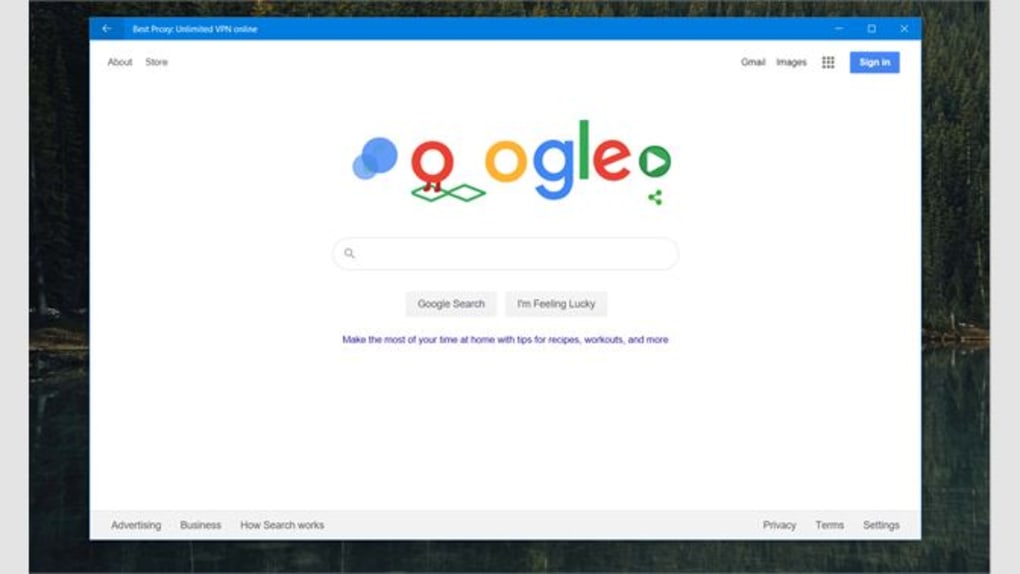
Behind the scenes, the request is sent to Roob’s proxy, which forwards it to the destination server while substituting its own IP address for yours. The page then loads within the same window, and a small status bar at the bottom shows the proxy’s current location (typically “US‑East”). For users who need to unblock a site, simply enter the blocked URL and the proxy will attempt to retrieve the content.
If the free tier cannot reach the site, a notification will appear suggesting an upgrade to PureVPN.
Operating System Compatibility
Web VPN supports the following platforms:
- Windows 10 and later: 64‑bit installers are provided; the app integrates with Windows Defender SmartScreen for safe execution.
- macOS Catalina (10.15) and later: The macOS version uses Apple’s NetworkExtension framework to establish the proxy.
- Android 8.0 (Oreo) and later: Distributed via the Google Play Store with automatic updates.
- iOS 13 and later: Available in the Apple App Store; uses the built‑in VPN configuration profile to route traffic.
Because the browser is a self‑contained application, it does not interfere with any system‑wide VPN or proxy settings you may already have configured. This isolation can be a benefit for users who run multiple privacy tools simultaneously, but it also means that if you have a corporate firewall that blocks proxy traffic, Web VPN may fail to load pages.
Pros, Cons, Frequently Asked Questions & Expert Review
Pros
- Free to download and use for basic browsing.
- Simple, uncluttered interface suitable for beginners.
- Cross‑platform availability lets you stay consistent across devices.
- One‑click unblocking of a limited set of geo‑restricted sites.
- Easy upgrade path to PureVPN for power users.
Cons
- Proxy does not provide end‑to‑end encryption, limiting true privacy.
- IP address is displayed on-screen, contradicting anonymity claims.
- No choice of server locations in the free version.
- Bandwidth and speed are throttled for free users.
- “Activate VPN” button redirects to NordVPN, creating confusion.
FAQ – Answers to Common Queries
Is Web VPN a full VPN service?
No. Web VPN only includes a basic proxy that routes traffic through a single server. For true VPN encryption, multiple server locations, and unlimited bandwidth you need to subscribe to the PureVPN service.
Can I use Web VPN to watch Netflix or Hulu?
The free version cannot bypass streaming services’ geo‑restrictions. Those platforms detect the proxy and block access. Only a paid PureVPN subscription may allow streaming.
Is my data encrypted when I browse with Web VPN?
The proxy adds a layer of obfuscation but does not encrypt traffic end‑to‑end. HTTPS sites remain encrypted, but HTTP traffic is only routed through the proxy without additional encryption.
Does Web VPN collect my browsing history?
Roob’s privacy policy states that the proxy logs minimal connection data (timestamp, IP of the proxy, and destination domain) for operational purposes. It does not store full browsing history, but you should review the policy if you are concerned about data retention.
How do I upgrade to PureVPN from within the app?
When you attempt to access a blocked site or click the “Activate VPN” banner, the app redirects you to a subscription page for PureVPN. After completing the purchase, the browser automatically unlocks unlimited bandwidth and server selection.
Expert Review Summary
Rating: ★★★☆☆ (3.2/5)
Verdict: Web VPN is a decent free browser for casual users who need a quick way to mask their IP on low‑risk sites. However, its lack of true encryption, visible IP overlay, and limited unblocking capabilities mean it falls short as a comprehensive privacy solution. Power users and anyone handling sensitive data should consider a dedicated VPN service.
Conclusion – Should You Download Web VPN?
In the crowded world of privacy tools, Web VPN distinguishes itself by bundling a proxy directly into a lightweight browser. The free version delivers a frictionless experience: a single download, an intuitive interface, and the ability to hide your IP address from casual observers. For travelers who need a quick way to bypass a few regional news sites or for students on campus Wi‑Fi who want a modest privacy boost, the app can be a handy addition to the toolbox.
Nevertheless, the product’s limitations are significant enough that it should not be viewed as a replacement for a full VPN. The absence of end‑to‑end encryption, the exposure of your IP address on the screen, and the confusing redirection to NordVPN all erode trust. Moreover, the free tier’s bandwidth throttling and lack of server choice make it unsuitable for streaming, torrenting, or any activity that demands high throughput and strict anonymity. If you find yourself needing those capabilities, upgrading to PureVPN or selecting a reputable standalone VPN provider is advisable.
Bottom line: Download Web VPN if you want a zero‑cost, easy‑to‑use browser that offers basic IP masking and limited site unblocking. Keep your expectations realistic—treat it as a supplemental privacy layer rather than a comprehensive security shield. For robust protection, pair it with a dedicated VPN or a trusted security suite.
Ready to try it out? Click here to download Web VPN and start browsing with an extra layer of privacy today.







